I’ve been experimenting with augmented reality since 1999.
My projects explore how digital content can become part of physical places and objects — from early ARToolKit prototypes to outdoor games, LiDAR scanning, and spatial computing with Apple Vision Pro.
This site documents what I tried, how I built it, and what I learned along the way. These are personal experiments rather than finished products. I share them to give others ideas they can explore and build on.
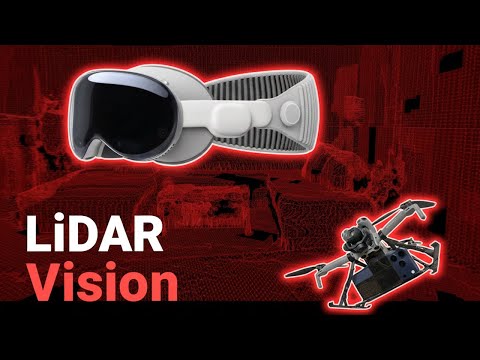
I mounted an iPhone on a drone to scan a space in flight and stream its LiDAR data to an Apple Vision Pro in real time. A physical marker visible to both devices helps align their coordinate systems.
Data transfer and rendering still need refinement, including packet size, transmission strategy, and when to discard older spatial data.
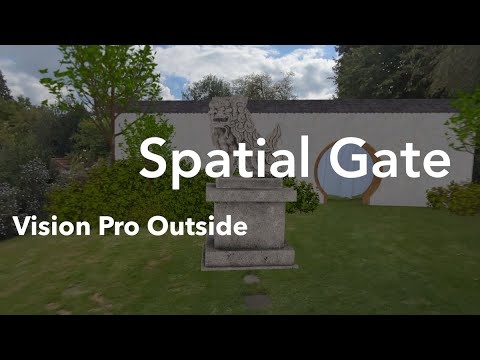
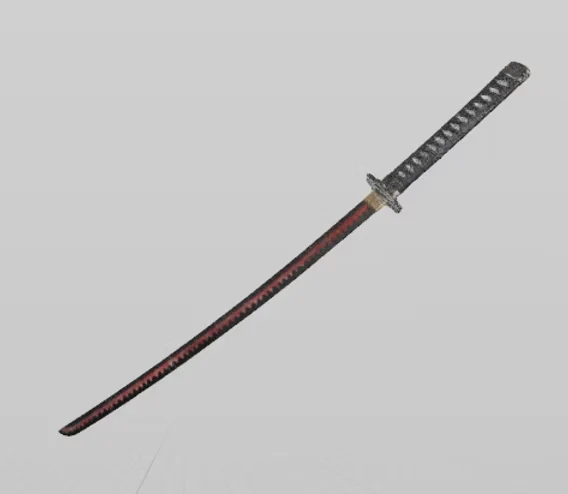
Spatial Gate was my first project with Apple Vision Pro. I explored three ways to combine real objects with virtual scenes outdoors: a table that becomes part of a gravestone, a curtain that leads through a virtual wall, and a real sword enhanced with virtual effects.
Gravestone
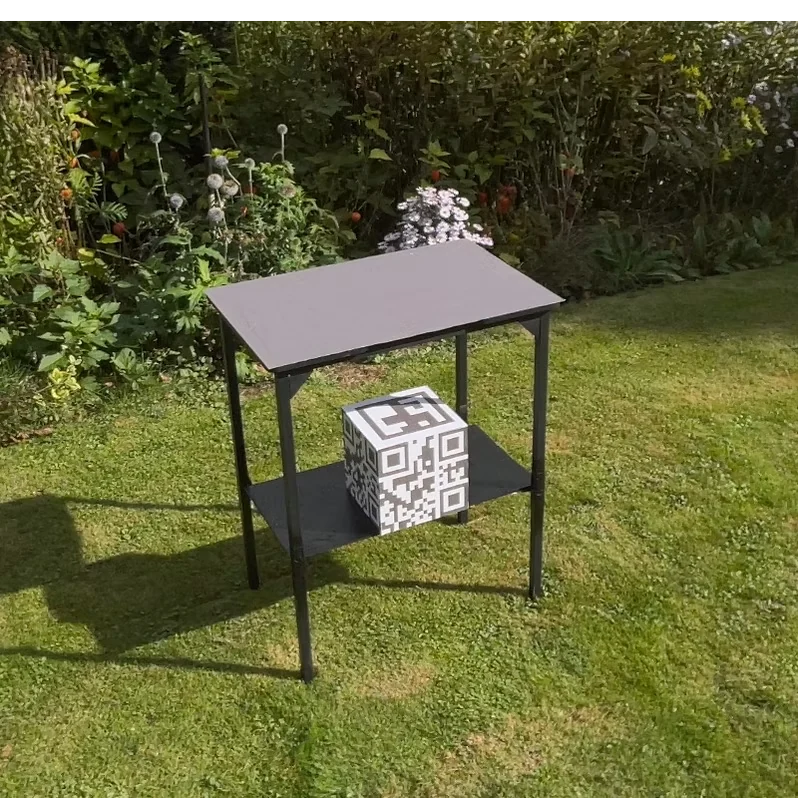
I combined a real table with a virtual structure to create a gravestone on which you can place physical objects.
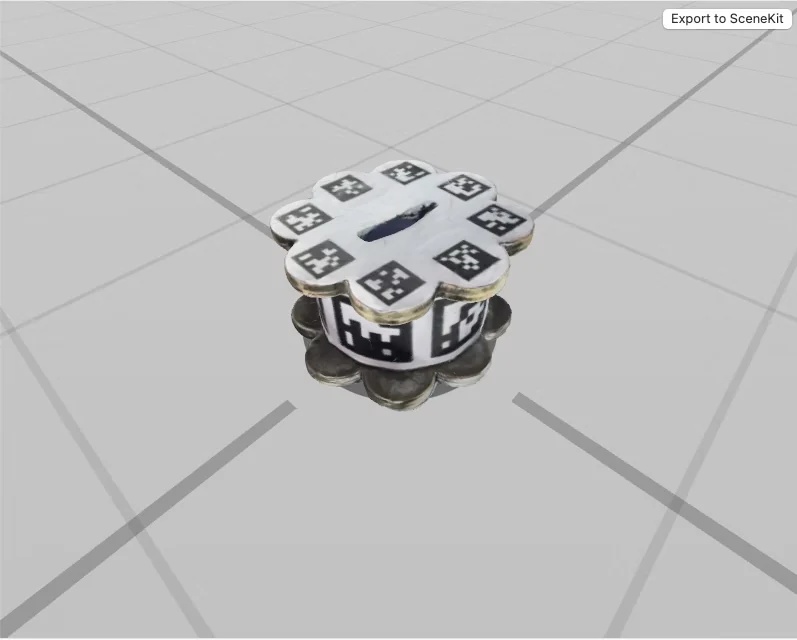
Precise positioning was critical here to make the effect work convincingly. I tried several approaches and, in the end, mounted a box with tracking patterns in the table. That setup worked quite reliably outdoors.
Outdoors, the changing light made it difficult to match virtual surfaces to real ones. I used UnlitMaterial so I could adjust their RGB values without environmental lighting changing their appearance.
The virtual sides are visible from the front and transparent from the back. As you walk around, their back faces do not cover the real object behind them.
Curtain Portal
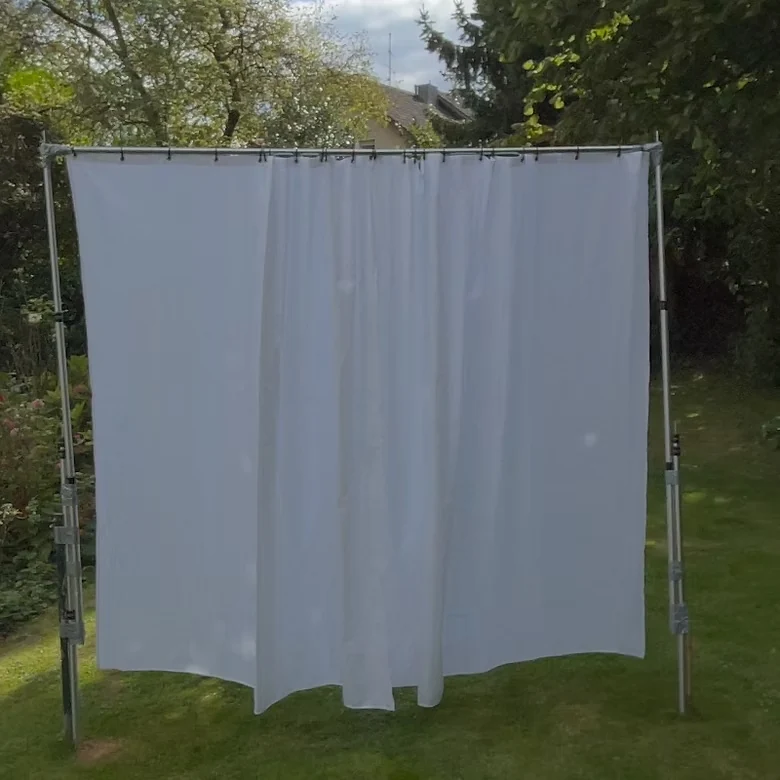
A real curtain marks an opening in a virtual wall. Touching the curtain adds a physical sensation to the transition into another space.
I first considered a sliding door but chose a curtain because it was easier to set up. Outdoors, wind became a challenge: if the curtain moved too far through the virtual wall, the illusion broke.
Another challenge was that the virtual objects behind the curtain were visible through it.
I placed a virtual object with OcclusionMaterial() behind the curtain so that the scene beyond it only becomes visible after you pass through the opening.
Tracked Sword
I wanted to use a real sword in the scene and add virtual effects to it. Tracking the sword turned out to be the hardest part of the project.
I created a USDZ model of Shusui, a sword from One Piece, and trained a custom model with Create ML for use as an ObjectTrackingProvider in the visionOS app. Apple’s GuidedCaptureSample worked for smaller objects but not for the sword; professional 3D scans did not solve the problem either.
After several attempts, I added pattern markers to the physical sword and trained the model with those. That worked reasonably well outdoors. Controller support in visionOS 26 offers another possible approach today, but it was unavailable when I began the project.
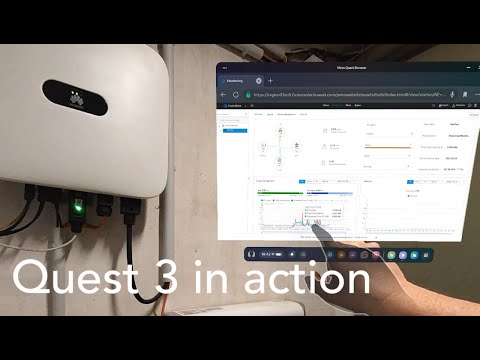
In 2023, I spent a week exploring the Quest 3 and recorded my first impressions. It was the first mixed-reality headset I bought myself, and this video captures what it was like to try it at the time.
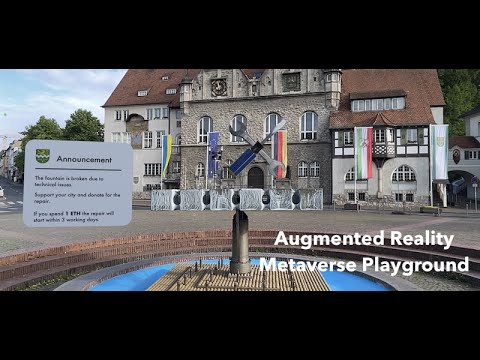
I explored how a crypto wallet could connect digital interactions to physical places in AR. The prototype reads wallet information, while transactions in the demonstration are simulated because of SDK limitations.
Possible Uses
Location-based donations: A visitor could support a project or installation on site. A donation could be linked to that place, with a smart contract responding once enough support has been collected.
Location-based entertainment: Games and guided tours could connect stories to real places and let visitors collect digital items such as NFTs.
Technical Setup
The prototype connects to a MetaMask wallet, with wallet information retrieved via the Etherscan API.
For testing, I used a MagiMask headset with an iPhone as the display.
To ensure smooth video recordings, the iPhone was mounted on a gimbal to capture the headset’s point of view.
Status
This early prototype demonstrates location-linked interactions in AR. It does not process real payments.
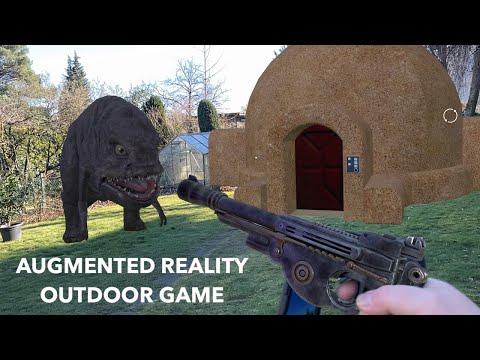
I combined a physical blaster and door opener with virtual scenery for a Star Wars–inspired outdoor AR experiment. Two iPhones share an ARKit Collaborative Session, allowing actions on the props to appear in the scene.
Interactions
Fire virtual plasma bolts with a physical trigger.
Open a virtual house door with a physical Bluetooth button.
Technical Setup
Devices: Two iPhones connected in an ARKit Collaborative Session. One acts as a headset display inside a MagiMask, the other as a blaster mounted on a custom-built Bluetooth rifle.
Blaster:
Based on a modified Bluetooth toy gun. Only the grip, trigger, and transmitter were kept.
An iPhone was attached as display, running a Reality Composer scene of a virtual blaster.
Pressing the trigger sends a Bluetooth signal to the app, which triggers sound effects and plasma bolt animations.
To increase realism, ARKit’s personSegmentation property overlays the user’s hand holding the gun.
Village Interaction:
A Tatooine-inspired house was created in Reality Composer.
A Bluetooth button (extended with a buzzer for easier handling) acts as a virtual door opener.
Pressing it triggers a door-opening animation and sound effect synchronized with the AR scene.
Status
The blaster overlay worked well for larger virtual objects, but alignment was less precise with smaller props such as the Mandalorian blaster. The test showed how physical controls can make an outdoor AR scene more tactile.
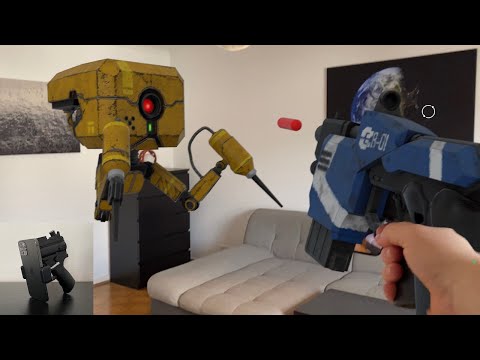
This experiment focuses on a simple AR game loop: pull a physical trigger to fire a virtual blaster, then approach an enemy robot that reacts in the scene. Two iPhones share position and weapon data through an ARKit Collaborative Session.
Technical Setup
Devices: Two iPhones connected via Apple’s ARKit Collaborative Session to share position and weapon data.
Blaster:
A custom-built Bluetooth rifle with an iPhone mount on the front.
The iPhone runs a Reality Composer scene that shows the virtual weapon.
Pressing the Bluetooth trigger sends a signal to the app, which activates sound effects and firing animations.
Person Segmentation in ARKit ensures that the player’s hand remains visible over the virtual weapon, blending real and virtual.
Enemy Robot:
Built as a Reality Composer scene.
Starts its animation automatically when the player approaches in AR.
Status
The MagiMask and iPhone headset made the game mechanics testable, though the setup left room for improvement in comfort and overall experience.
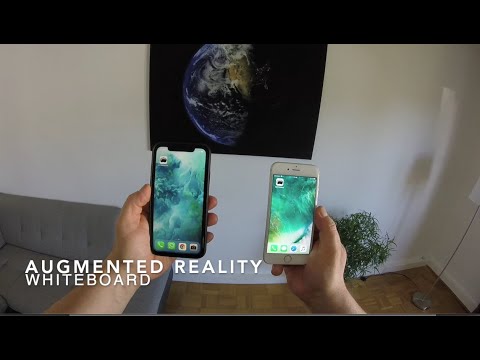
I built an AR whiteboard for remote collaboration. One iPhone displays a virtual board on a wall through a MagiMask headset; another acts as a controller for placing notes and entering text by voice.
Use Cases
Place a virtual whiteboard on your wall and add digital notes during a meeting.
Notes can contain text, images, or both, making brainstorming sessions more interactive.
A speech-to-text feature allows quick note creation by voice input.
Technical Setup
Devices: Two iPhones running the same app.
One acts as a headset display (in a MagiMask).
The other serves as a remote controller.
Connection: Apple’s Multipeer Connectivity Framework connects both devices. The controller sends commands and data to the headset app.
Functions:
First, the user chooses which iPhone is the headset and which is the controller.
The whiteboard can then be positioned on the wall in AR.
Notes are placed at the pointer location in the headset’s field of view.
Text input is handled via speech-to-text on the remote device.
Status
This prototype tested the interface and the connection between the two phones. Free manual positioning of notes and an AR laser pointer were ideas for later development.
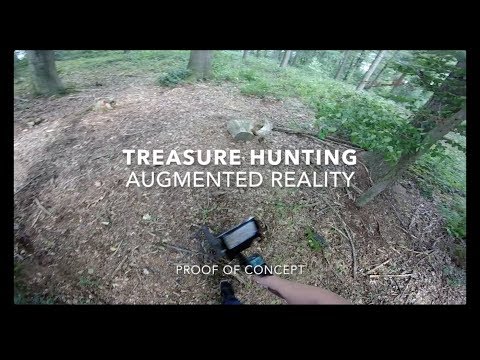
This 2017 prototype combines a metal detector’s audio signal with AR. It marks where a detector signal was heard and shows which parts of the ground have already been scanned.
What It Shows
Detector signals: The app analyzes the metal detector’s audio output and places a virtual marker where a signal was heard. Marker colors reflect differences in the signal; they do not verify the type of metal underground.
Search coverage: A transparent grid shows where the detector coil has already scanned. This can help avoid missed areas. A future version could share this information among people searching together.
Technical Setup
Hardware:
XP Deus Metal Detector with headphone output
Lenovo Phab 2 Pro (with Google Tango spatial tracking, now discontinued)
Custom tablet holder for mounting
Connections:
The detector’s loudspeaker output was connected to the phone’s microphone input via a custom cable.
The cable included voltage reduction to adapt the line-out signal to the sensitivity of the microphone input.
Software:
Google Tango tracked the motion and position of the phone in real space.
The Ground Imager app analyzed the detector’s audio signals in real time and placed virtual markers on the scanned area.
Status
The prototype shows how AR can map detector signals and search coverage. Google Tango has since been discontinued, but the idea could be explored with current AR devices.
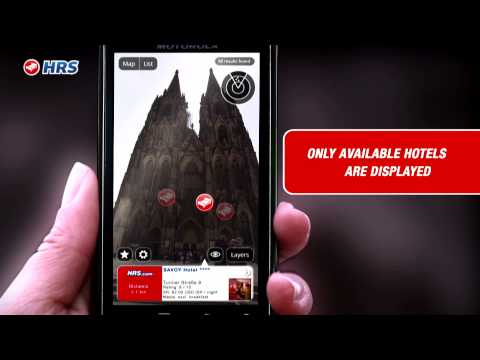
Hotels Now! was a location-based AR service for hotel reservations, built with the Layar platform. It showed nearby hotels and linked directly to booking. I later sold the project to my employer, HRS.de (Hotel Reservation Service).
Diploma Project: Pattern Recognition in Augmented Reality
RFH Cologne – University of Applied Sciences
My diploma project at RFH Cologne had two parts. Fellow student Osman Keskin and I developed WinAR, an AR project configurator based on ARToolKit. We also explored pattern recognition through prototypes and custom pattern tools for different AR uses.
Augmented Reality Use Case
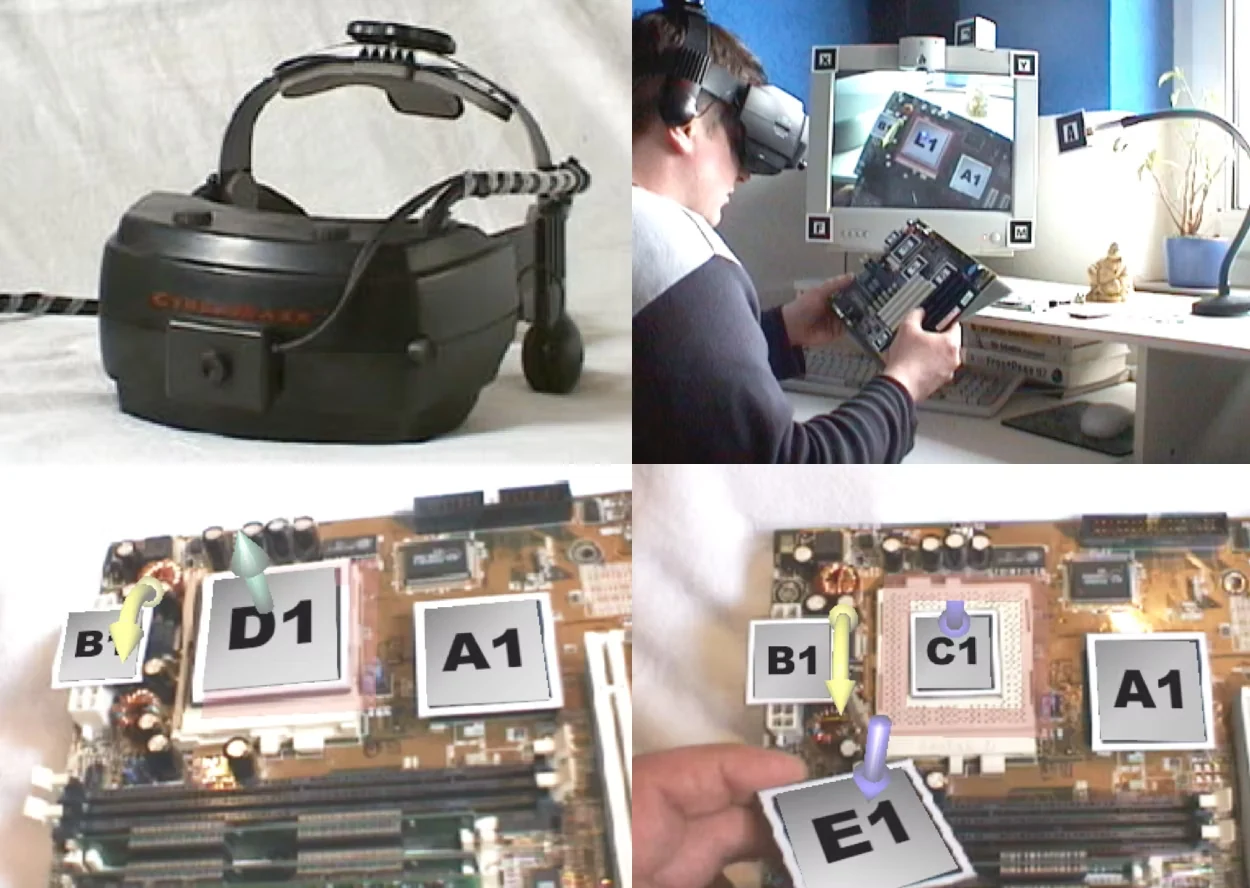
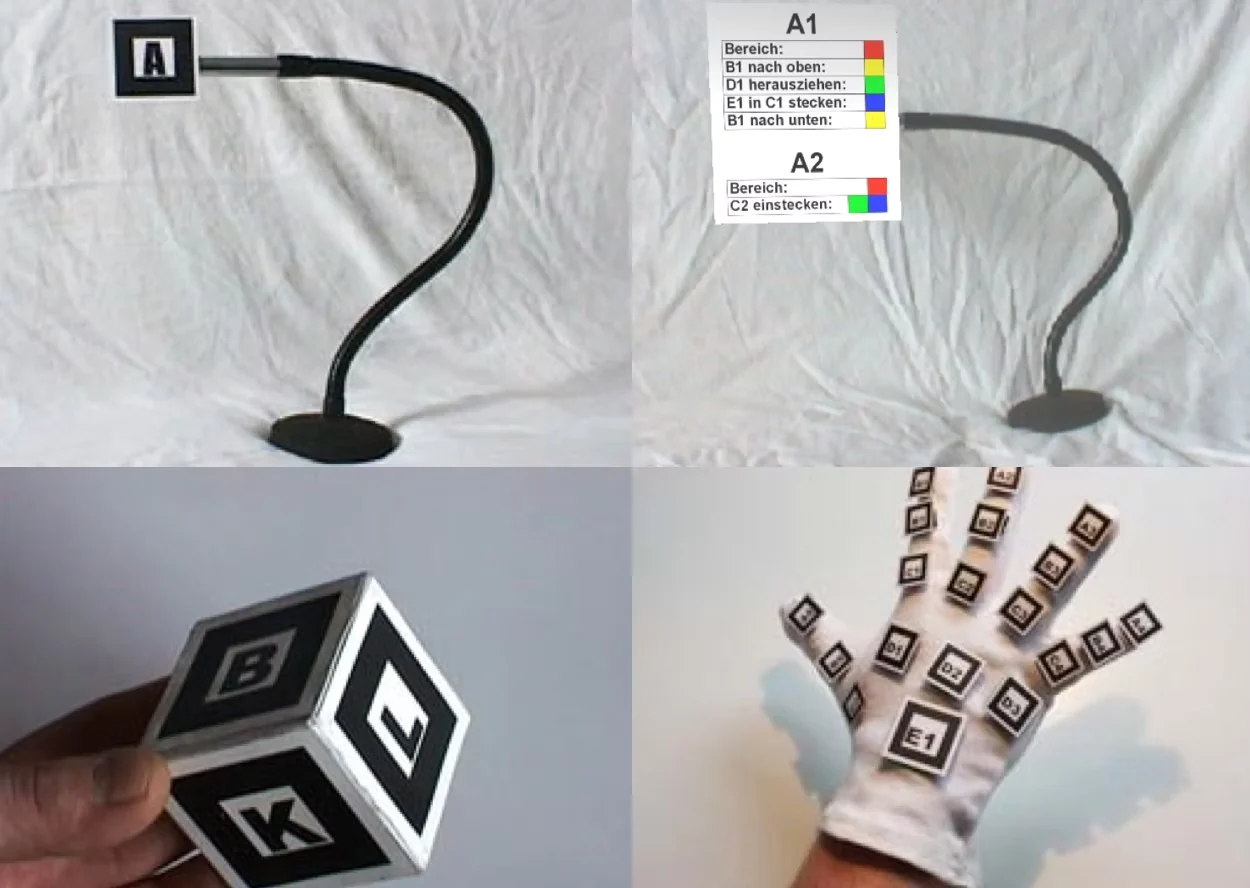
For one use case, I created an AR application to guide someone through replacing a processor on a motherboard. The Pattern Arm positioned instructions beside the relevant components; labels, colors, and animated arrows made each step easier to follow.
Hardware
For the diploma thesis, a CyberMaxx 2.0 headset was upgraded with a camera module to enable augmented reality. In addition, custom tools such as the Pattern Box, Pattern Arm, and Pattern Glove were developed for specific AR use cases.
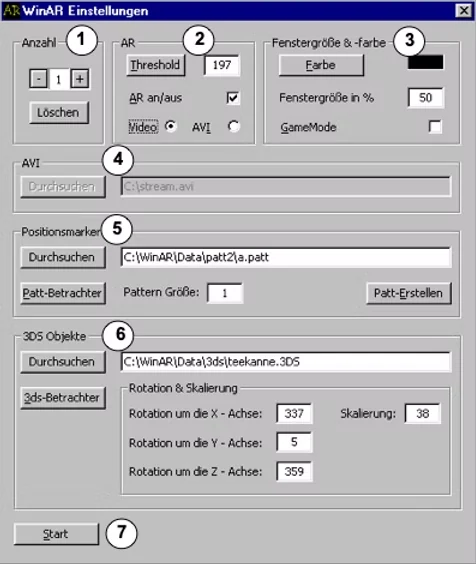
WinAR Manual
Choose AR element
Threshold and video settings
Window and color settings
Optional video source
Pattern for AR element
3D model for AR element
Start AR project with all AR elements
WinAR
WinAR provided a user interface for creating AR projects without configuring every element by hand. A project could contain multiple AR elements, each with its own pattern, OpenGL 3D object, and settings. WinAR then launched the project using ARToolKit.